COFFEE
DESIGN
AI-ASSISTED DEVELOPMENT
IN-PERSON EVENT
2026
x
How I vibe-coded and designed an ordering app for my home cafe
For my housewarming, I decided to host a home cafe that aptly combined my passions for design, coffee, and ceramics. I loved bringing my vision to life with a custom drink menu and stickers, and recruited my talented friends to come bake salt bread to go with it all.
A couple of weeks before the cafe, I had the idea to code an app for taking orders. I envisioned friends scanning a QR code to read detailed drink descriptions and place their orders. On my end, I'd be able to see orders come in live and to mark them as done.
Since this was just a fun personal project, I prioritized (1) building with speed and (2) experimenting with new AI tooling. Anthropic had just launched Claude Design at this point, and I was eager to test it out for this project.
App demo—guest & owner views
Making the app
I started off by using Gemini to write a PRD, then fed that to Claude Design. I described the functionality and aesthetic that I was looking for.
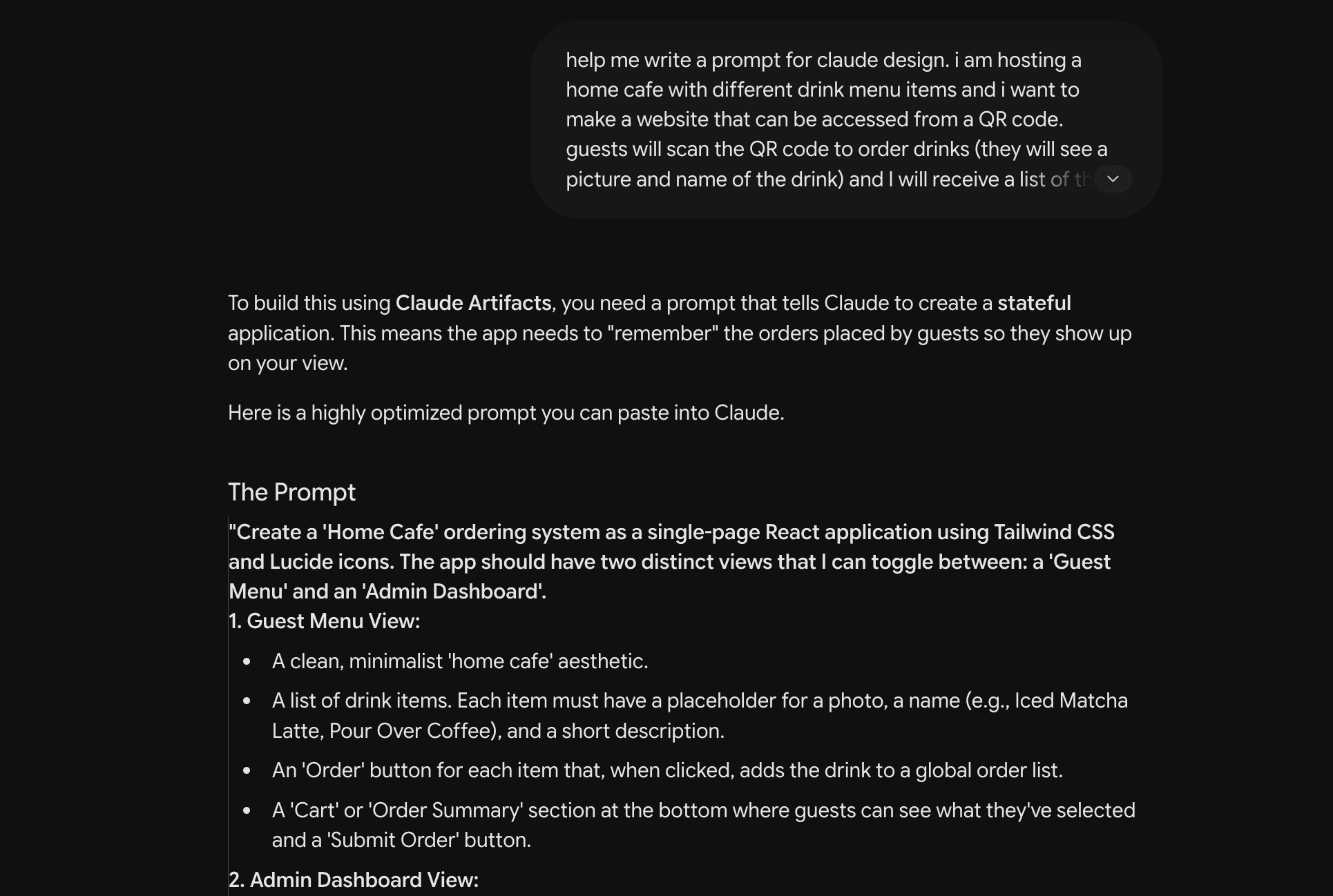
I fed the prompt to Claude Design, and was honestly really impressed with what Claude Design immediately came up with. The design was modern, inviting, and consistent. I also fed the same prompt to Figma Make and v0, and found Claude Design's output more cohesive and polished.
I made a few edits directly on the canvas, such as adding the cafe details at the top right. Canvas editing was easy to use and made prototyping very smooth.

I noticed a few bugs that I fixed using the chat feature. I removed the placeholder Apple top bar, added a QR code for guests to scan, and fixed the overlapping signifier and menu icon. I also moved the pop-up to an absolute position atop content at the bottom of the phone screen, rather than the end of the page.

Next was deployment: to have this app work across devices, I needed to (1) set up a database to store orders so they would sync between devices in real-time, and (2) deploy to Vercel so I'd get a public URL for the QR code. This is beyond the capability of Claude Design, so I handed over the standalone HTML file to Claude, where I had the AI help write code connecting my Supabase project. All I then had to do was set up a new project, type in a few lines of SQL, and plug in my API keys.
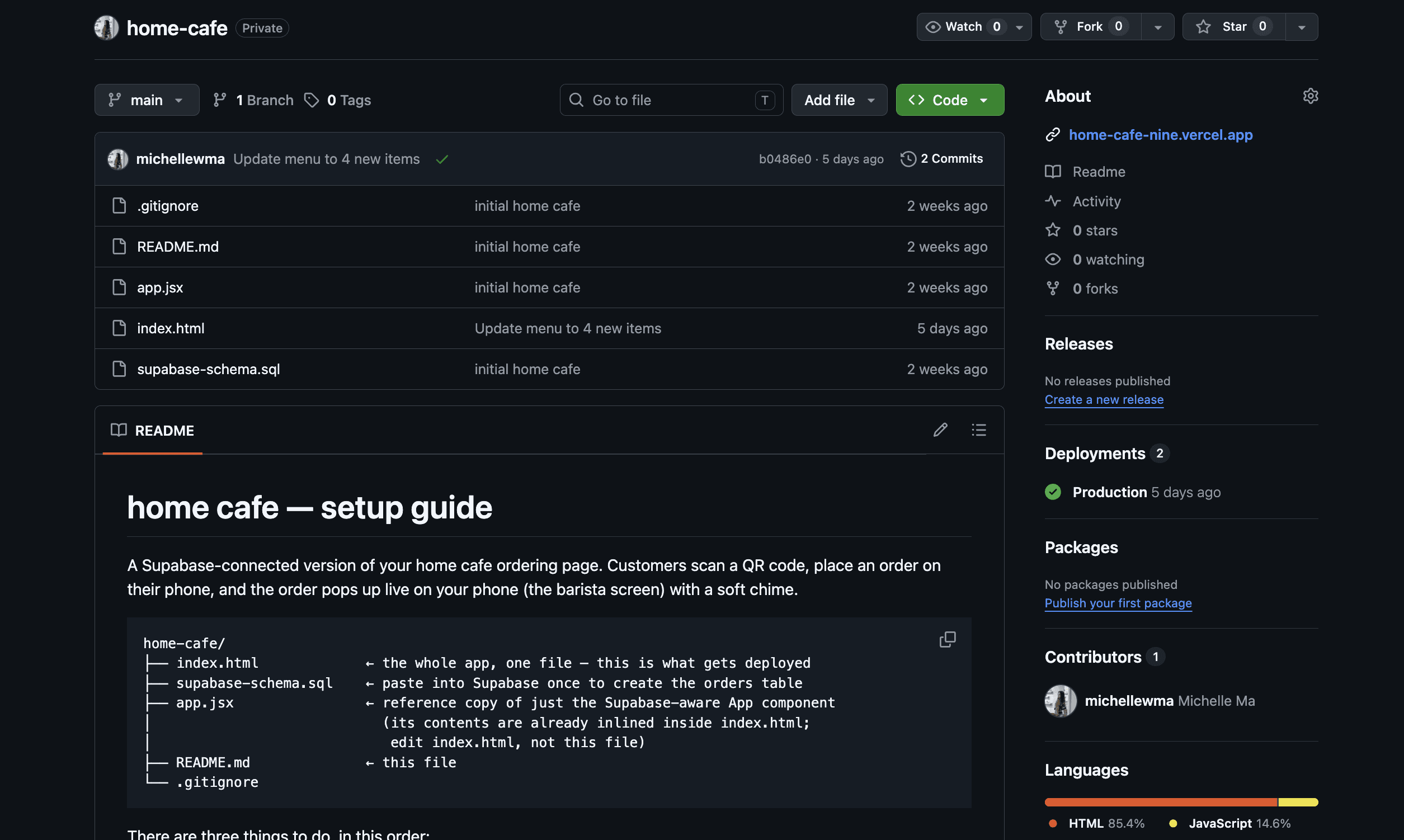
I moved my code into a new GitHub repository, which I imported into Vercel. Whenever I had questions throughout this process, I asked Claude for help.

I tested everything across devices to ensure it was working smoothly.
A few days before the cafe, when I had finalized my menu items, I went back into Claude, utilizing it as a content partner. I described my drinks and bites, working with it to write concise menu descriptions.

Using the Claude MCP, I shipped an update to the menu schema and let Vercel handle the continuous deployment.

Cafe prep
Prep consisted of perfecting my drink recipes, shopping for ingredients, and designing a menu and stickers.
My Notion for cafe prep

Visual moodboard & Designing stickers
Success!!
The ordering system made making drinks during the cafe much less chaotic for me than the traditional method of writing down orders. Being able to mark orders as done in real time was also a game-changer, so I could focus on chatting with friends rather than remembering which drinks I still needed to serve.
Since I prioritized building with speed and trying new AI tooling, I did not dive too deeply into the visual and interactive elements of my mini app. If I had more time, I would focus on developing a more differentiated visual system, using tools such as the Figma and Mobbin MCPs. If this were to become a full-fledged POS system, I would also adapt the owner's end to a tablet screen size. For my cafe, I was satisfied with the app I made.
Being able to gather my friends and serve fun drinks was truly a highlight. With AI making it easier than ever to create, I loved the idea of people making their own mini apps for in-person events.
